

Workforce & Field Operations
Presence
A workforce platform that keeps field visits on a mobile app and system governance on a web portal, so managers run their teams from a phone and admins keep control of the master data without living in either app.
Overview
Presence splits the job in two, on purpose. Field work — scheduling a visit, approving a teammate's request, punching in at a client site — happens entirely inside the mobile app, for employees and managers alike. Every manager is also an employee here, so there's one app to open, not two.
System governance lives somewhere else. The web portal is reserved for admins: setting up project locations and geofences, provisioning users and reporting lines, resolving disputed punches, and pulling payroll-ready exports. Nobody has to hunt for the right screen, because the two audiences never share one.
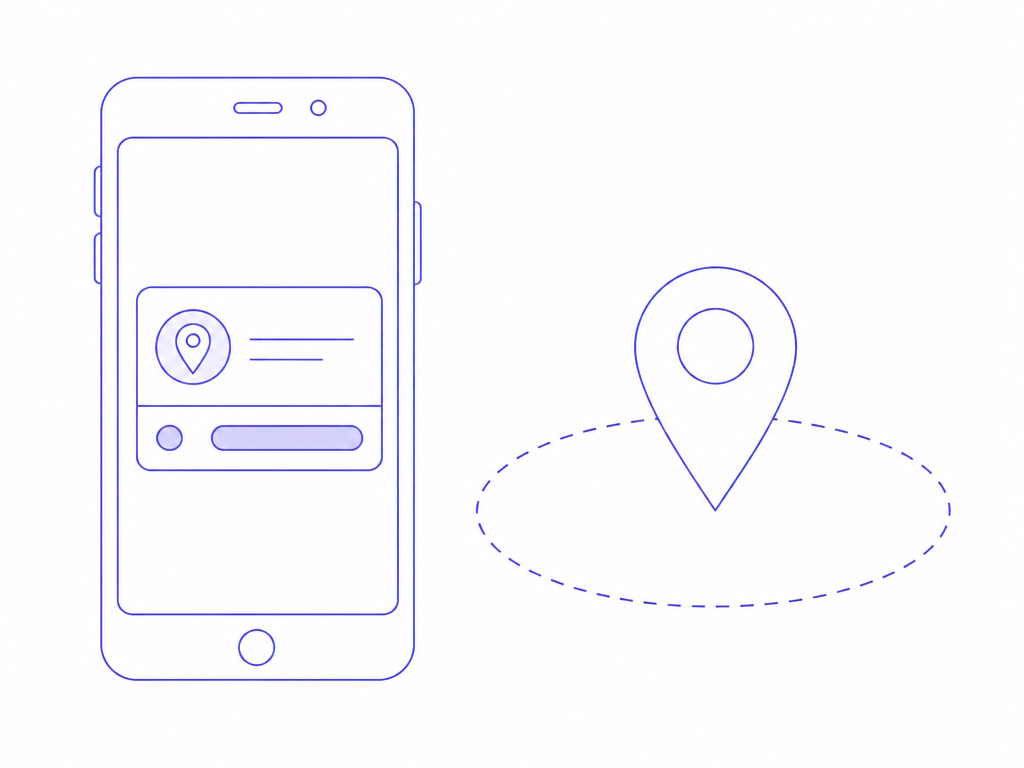
Punches are geo-verified against the client or site location at the moment they happen, so a check-in can't be faked or logged from somewhere else. And every approval, override and punch writes to an audit ledger that doesn't get edited after the fact — useful the day someone disputes a timesheet.
Built for
- Field employees — schedule a visit, get a geo-verified punch in and out, done from the phone
- People managers — approve, reject, or reassign a team's visits from the same app they use for their own
- System admins — own locations, hierarchies, overrides and payroll exports from the web portal, without touching daily punches
At a glance
Presence runs as a mobile app for daily field and approval work, backed by a web portal reserved strictly for admin governance.
- Geo-verified punches eliminate proxy attendance
- Visit slots release automatically once a job is done or skipped
- Every action logs to an immutable audit trail
Zero
Proxy or buddy punches possible with geo-fenced check-ins
How it works
One visit, start to finish.
- 1
Mobile request
An employee picks a project, a client location, a date, and roughly how long the visit will take — plain phrases like "30 min" or "2 hours" work fine.
- 2
In-app manager review
The request lands in the reporting manager's own app feed. They approve, reject with a reason, or just keep an eye on it — no separate dashboard to check.
- 3
Geo-punch in/out
On arrival, the employee punches in against the verified site location, and punches out when the job's done. The visit closes itself out and the slot opens back up for the next booking.
- 4
Admin oversight
Admins watch the numbers company-wide, step in for exceptions or overrides, keep project locations current, and export reconciled records for payroll — all from the web portal.
Outcomes you can measure
Zero
Proxy attendance
Punches require a real GPS match against the assigned site, so buddy punching and fabricated field logs stop being possible, not just discouraged.
Real-time
Visit status sync
Approvals and status changes appear the moment they happen, on both sides — no pull-to-refresh, no "did that go through" texts.
One-click
Payroll export
Reconciled attendance goes out as CSV, JSON, or XLSX, formatted to drop straight into the HRMS or payroll system you already run.
What's inside
Five modules, split cleanly between field work and governance.
Mobile Application
The daily hub for employees and managers. Handles visit scheduling, geo-punching, and — for managers — a second queue for reviewing their team's requests, all in one cross-platform app built for spotty field connectivity.
Manager In-App Workflow Engine
Everything a manager needs to run a team without opening a laptop: a pending-approvals feed with the details that matter, one-tap approve or reject with a required reason, and the ability to flag a visit as never happened.
Web Admin Portal
The desktop side, reserved for admins only. Provision users and reporting lines, register client locations and geofence radii, and step in with overrides when a punch needs correcting or a dispute needs resolving.
Visit State Machine & Conflict Engine
The logic underneath it all. Database-level locks stop two people booking the same slot, and a slot releases automatically the moment a visit is completed, skipped, or rejected — no manual cleanup.
Workforce Analytics & Audit Ledger
Every punch, approval, and override writes to a tamper-proof log with GPS and timestamp attached. On top of it sits a KPI view — visit durations, punctuality, completion rates — and one-click exports for payroll and audit.
Key capabilities
- Geo-fenced check-ins that block proxy and buddy punching
- Managers approve, reject, and reassign visits entirely from mobile
- Web portal kept strictly for admin governance, never daily punches
- Automatic slot release the moment a visit closes out
- Immutable audit ledger covering every punch, approval, and override
- Pre-formatted payroll and ERP exports (CSV/JSON/XLSX)
Where it helps
Built around field teams that report to someone, who reports to someone else.
Field Service & Engineering
Technicians log arrival and repair times from the job site. Area managers approve route changes from their phone. Admins watch SLA compliance across the whole operation.
Multi-Branch Retail & Banking Audits
Audit officers geo-punch their way through branch visits. Senior auditors sign off from mobile. Admins manage the branch coordinates and access rules behind it all.
B2B Enterprise Sales
Reps log client meetings and site surveys as they happen. Regional managers track and approve on the go. Central ops pulls coverage data and attendance records straight from the web portal.
How we roll it out
- 1
Discovery
Map your reporting hierarchy, client locations, shift rules, and the approval logic managers already use informally.
- 2
Configure
Set up geofenced locations, project assignments, and approval workflows to match how your teams actually operate — no rebuild required.
- 3
Migrate
Import your employee directory, reporting lines, and active project locations, with duplicate checks along the way.
- 4
Adopt
Roll out to a pilot team first, then expand branch by branch, with role-based training for employees, managers, and admins.
Integrates with
Relevant portfolio
Delivery work where Nectar built field, workforce, or governance tooling for real enterprise operations.

IOT
Nectrac: IoT-Based GPS Tracking with Geo-fence
A robust GPS software system: BI coupled with GIS tagging.
Read Case Study
Government
RCS Computerization: Registrar of Cooperative Societies
End-to-end digitization of cooperative society workflows for the Government of Arunachal Pradesh.
Read Case Study
Telecom
NT3 - Service Help Desk Management Tool for ITSM
A robust ticketing system to manage inter-departments & vendors.
Read Case StudyFrequently asked
How does Presence stop someone punching in from the wrong location?
Every punch is checked against the GPS coordinates and geofence radius set for that client or site. If the device isn't inside the fence, the punch doesn't go through — so there's no way to log a visit from somewhere else.
Can managers approve visits without using the web portal?
Yes — that's the point. Managers review, approve, reject, and manage their own visits entirely inside the mobile app, alongside their team members. The web portal is reserved for admin-level governance, not day-to-day approvals.
What happens if an employee forgets to punch out or skips a visit?
Admins can mark it and correct the record from the web portal, and the slot releases automatically once the visit reaches a final state — completed, rejected, or not visited — so it doesn't sit blocking future bookings.
More products
Samarthak AI
An AI chatbot that answers from your own documents and data, with a citation on every response.
Explore
Nectar CRM
A customer relationship management (CRM) platform that puts sales, service and marketing on one customer record.
Explore
NT3: ITSM Tool
An IT service management (ITSM) platform for providers running many customers, contracts and service-level agreements (SLAs) on shared infrastructure.
Explore
Nectar HRMS
A human resource management system (HRMS) covering the full employee lifecycle: core HR, leave, attendance, payroll, hiring and appraisals.
Explore