
Knowledge & Customer Support
Samarthak AI
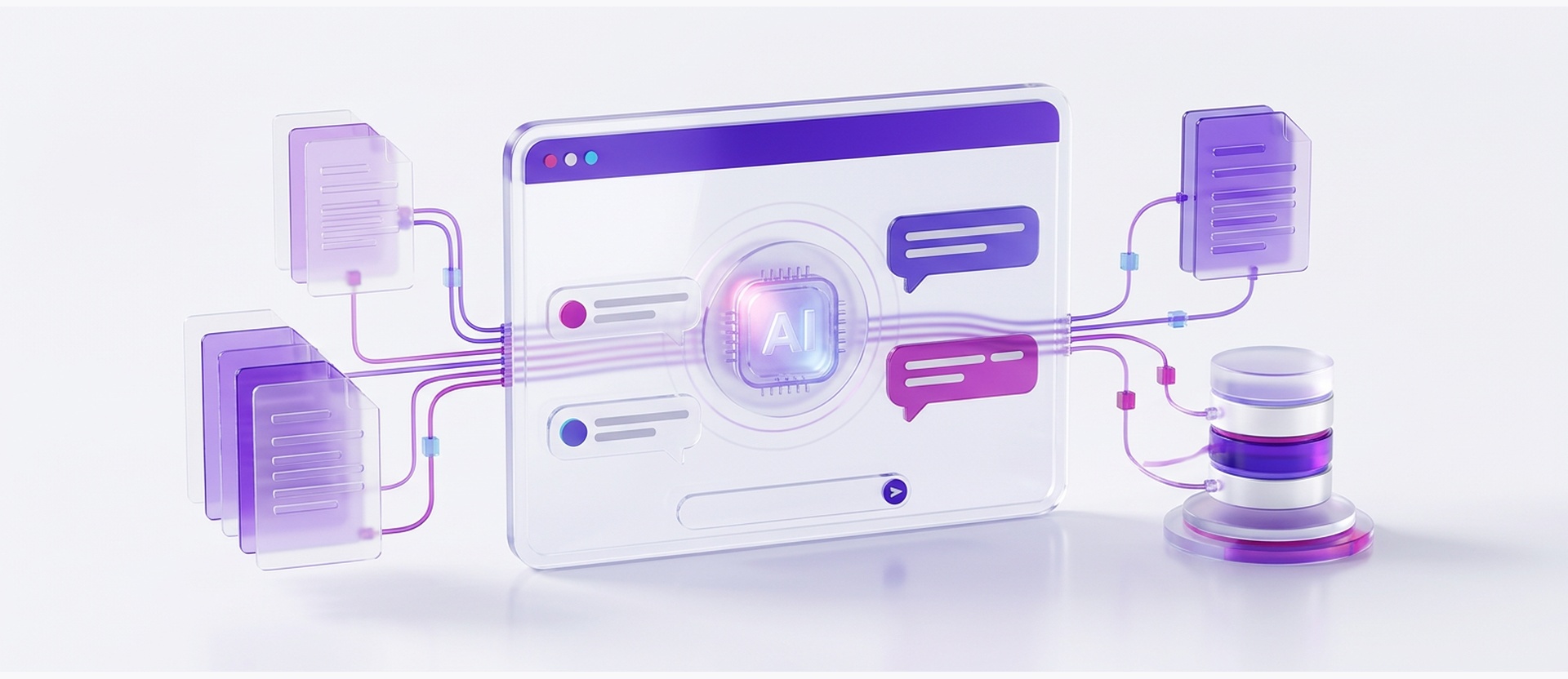
An AI chatbot that reads your manuals, policies, spreadsheets and databases, then answers using only what it finds there. No made-up answers. No vendor lock-in on the AI model behind it.
Overview
Most chatbots guess when they don't know something. Samarthak doesn't guess. It's built to answer strictly from your company's own material — product manuals, policy PDFs, FAQs, spreadsheets, and live database tables — and every reply points back to the document or record it came from.
You bring the intelligence layer. Connect your own OpenAI, Gemini, Anthropic Claude, or self-hosted Ollama key, and Samarthak uses it to generate answers. You pay standard provider token rates directly, with no markup added on top and no per-query penalty from Nectar.
Getting from zero to live is four steps: connect a model, load your knowledge, brand the widget, paste one script tag. Most teams finish setup the same day, without writing a line of integration code.
Built for
- Support teams answering the same tickets on repeat
- IT and HR desks fielding routine policy and leave questions
- Sales and marketing teams that want a knowledgeable first responder on the website
At a glance
Samarthak runs on the AI model you choose, keeps every conversation inside your own environment, and drops into any website or internal portal with one script tag.
- Works with OpenAI, Gemini, Claude, or a local Ollama model
- Every answer cited back to its source document
- Live in under 10 minutes, no developer sprint required
70%+
Ticket deflection on routine queries
Outcomes you can measure
70%+
Ticket deflection
Repeat questions get resolved on the spot, so your support desk only sees what actually needs a person.
24/7
Always-on coverage
No queue and no time-zone gap — customers and employees get an answer the moment they ask.
<10 min
To first launch
Connect a key, upload your files, paste a script tag. No procurement cycle, no dev backlog.
What's inside
Five modules, all included, none requiring custom code.
Home Dashboard
A live read on what the assistant is doing: conversation volume, connected data sources, and system health in one screen, so admins aren't guessing whether it's working.
LLM Settings & Connection (BYOK)
Connect the AI provider you already use — OpenAI, Gemini, Claude, or a local model — manage the key securely, tune response creativity, and set the guardrails the bot has to stay inside.
Data Sources
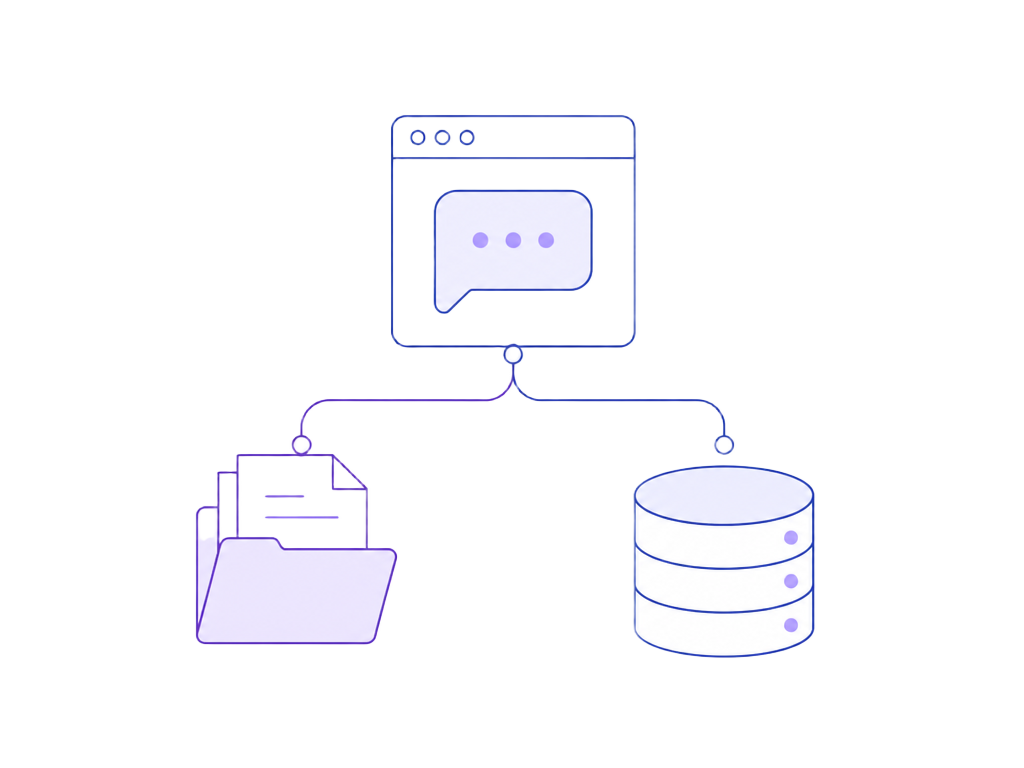
Where the knowledge lives. Upload manuals, policy documents, and CSVs, or connect live database tables directly. Samarthak re-indexes automatically whenever the source changes, so answers don't go stale.
Theme & Brand
Match the widget to your site: colors, logo, light or dark mode, a custom greeting, and clickable starter questions. The embed script stays under 30 KB so it won't drag on page load.
Analytics & Quality
Thumbs-up/thumbs-down feedback on every answer, topic trend tracking to spot knowledge gaps, and exportable session logs for audit and compliance review.
Key capabilities
- Answers grounded in your own documents, with a citation on every response
- Bring-your-own-key support for OpenAI, Gemini, Claude, and Ollama
- Automated ingestion from PDFs, Markdown, CSVs, and live database tables
- Strict data isolation — your conversations never train a public model
- One-line embed, under 30 KB, no custom development required
- Feedback loops and exportable audit logs (CSV/JSON) built in
Where it helps
One assistant, several teams, the same source of truth.
Customer Support
Handles order status, return policy, and troubleshooting questions instantly, and hands off to a person only when it genuinely needs to.
HR & IT Helpdesk
Employees get straight answers on leave policy, insurance, onboarding steps, and common IT fixes without opening a ticket.
Website & Lead Generation
Engages visitors in real time, answers capability and pricing questions, and points qualified prospects toward a demo or a sales conversation.
Catalog & Pricing Lookup
Lets sales teams and clients search large inventories, technical specs, and rate sheets by just asking, instead of digging through spreadsheets.
How we roll it out
- 1
Connect
Link the AI provider account and API key you want powering the assistant — OpenAI, Gemini, Claude, or a local Ollama deployment.
- 2
Load your knowledge
Upload manuals, policies, and spreadsheets, or point Samarthak at your live database tables. It indexes everything and keeps itself current.
- 3
Brand it
Set colors, logo, tone of voice, greeting message, and quick-start questions so it feels like part of your site, not a bolt-on.
- 4
Embed & go live
Paste one script tag into your website, CMS, or internal portal, and the assistant starts answering immediately.
Integrates with
Relevant portfolio
Delivery work where Nectar built AI-driven or conversational tooling for real enterprise problems.


Frequently asked
Does Samarthak ever make up an answer if it doesn't know something?
No. It's scoped to answer only from the documents and data sources you connect. If the answer isn't in your knowledge base, it says so instead of guessing, and every answer it does give links back to its source.
Which AI models does it support, and who do we pay for usage?
OpenAI, Google Gemini, Anthropic Claude, or a self-hosted Ollama model — you connect your own API key. You pay the provider directly at their standard token rate; Nectar doesn't add a markup or charge per query.
Where does our data go, and can conversations stay private?
Your documents and conversation history stay isolated to your deployment and are never used to train a public model. Data can run in the cloud or fully on-premise, depending on what your compliance needs require.
More products
Presence
A workforce platform that keeps field visits on mobile and admin governance on the web, with geo-verified punches and a full audit trail.
Explore
Nectar CRM
A customer relationship management (CRM) platform that puts sales, service and marketing on one customer record.
Explore
NT3: ITSM Tool
An IT service management (ITSM) platform for providers running many customers, contracts and service-level agreements (SLAs) on shared infrastructure.
Explore
Nectar HRMS
A human resource management system (HRMS) covering the full employee lifecycle: core HR, leave, attendance, payroll, hiring and appraisals.
Explore